How to Check if a Photo Is AI-Generated on iPhone
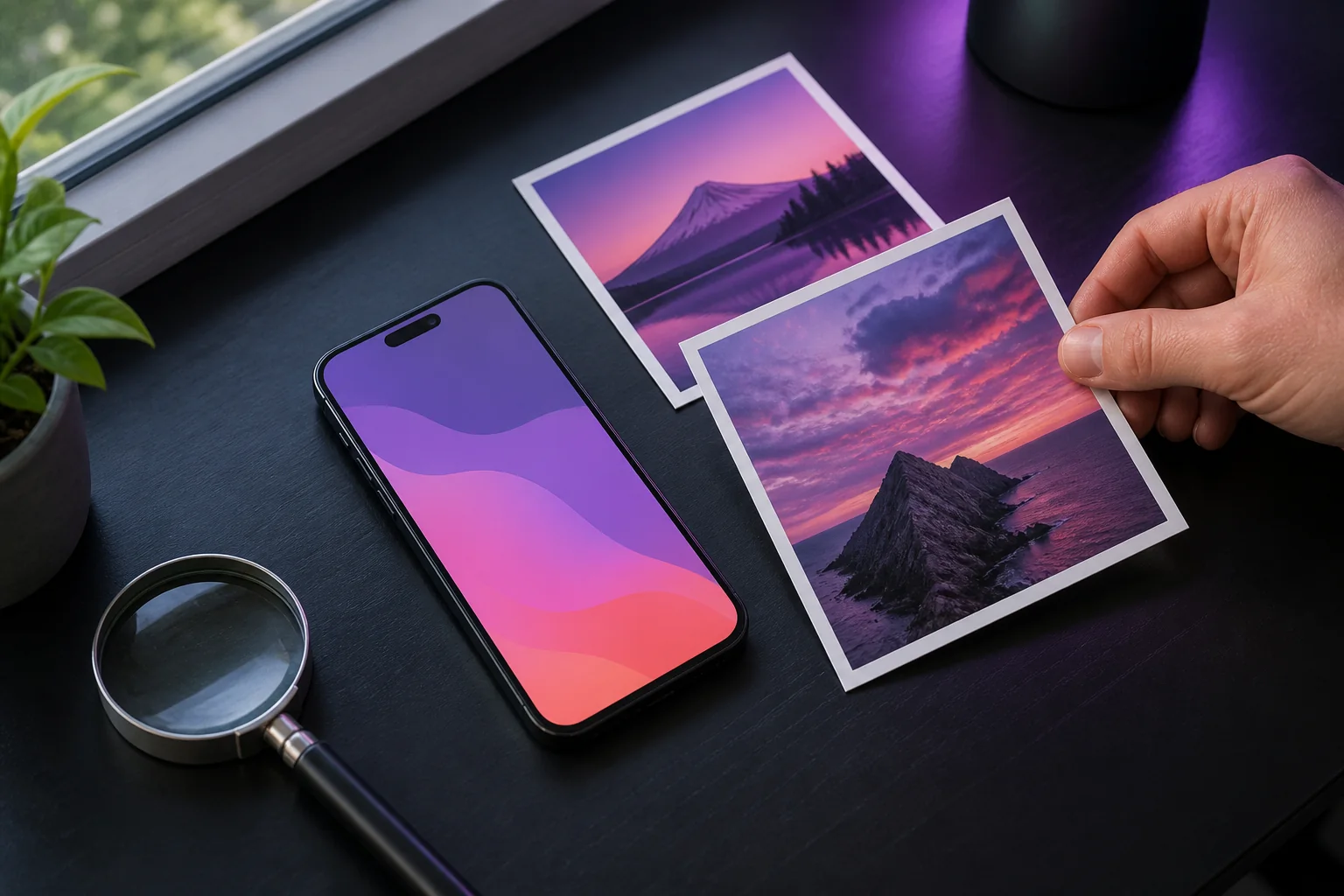
There are three practical ways to check a photo for AI on an iPhone: a quick visual inspection (free, takes a minute, catches obvious fakes), a web-based checker in Safari (fine for one-off checks), or a dedicated detector app (the most convenient option for anything you do regularly). The steps below explain each option and when to use it.
Method 1: The 60-second visual inspection
Before reaching for any tool, pinch-to-zoom on the photo and check the classic giveaways: hands and fingers, any text or logos in the frame, lighting and shadow consistency, and background details like fences, tiles, or crowds that warp or repeat. Our full guide to spotting AI-generated images covers all seven checks in detail.
For a reverse image search, open the Google app, tap the Lens icon in the search bar, and select the photo. Look for earlier versions and the original context. See Google’s image search instructions for iPhone.
Method 2: Web-based AI image checkers
Websites that check images work well for one-off checks. Our own free AI image checker runs in Safari with no account: upload a photo and get the same 0-100% score the app uses, and your image is never stored. Other web tools vary widely in quality, and many have paywalls, queues, or unclear storage practices. If you check images regularly, the app workflow below is faster: no saving and no upload dialogs.
Check a photo in Safari, step by step
- Open the free AI image checker in Safari.
- Tap the upload area and choose your photo from Photos or Files. Use a JPEG, PNG, WebP, or GIF up to 10MB.
- Wait for the analysis, then read the AI score and the result: likely authentic, inconclusive, or likely AI-generated.
- Compare the score with the photo’s source and the details you noticed. Keep the original file if you need to check it again.
No photo ready? Explore the camera photo and Midjourney example first. Those recorded examples do not use your daily free check.
Method 3: A dedicated detector app (fastest)
With AI Detector – Image Checker the whole check takes under ten seconds end to end:
- Download the app free from the App Store (iOS 15.1 or later, iPhone and iPad).
- Import the photo from your Photos library or Files, or snap a picture directly with the camera.
- Read the result: a 0-100% confidence score with a green / yellow / red verdict appears in under 3 seconds, even on cellular.
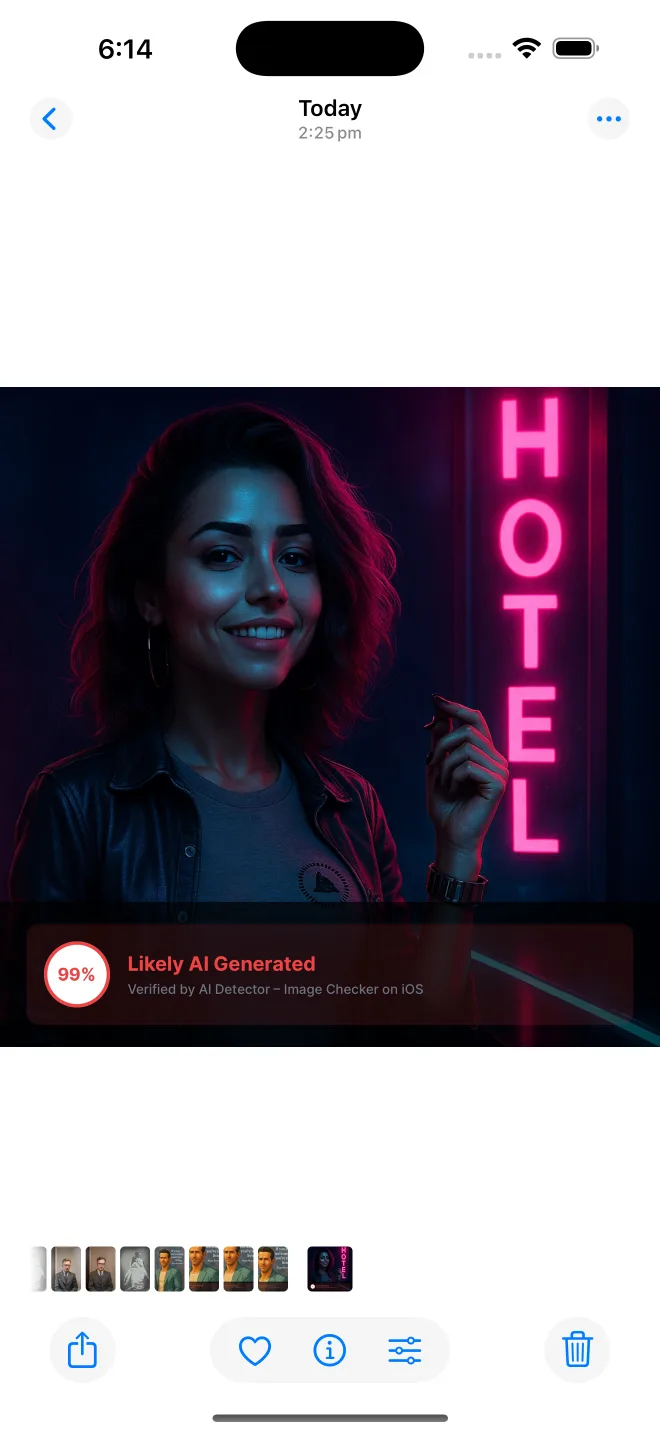
The result shows an AI confidence score. Your images are never stored (analysis is deleted immediately after processing), and recent checks stay organized in a private history timeline on your device.
Reading the score correctly
Higher scores indicate more characteristics of AI generation; lower scores indicate more characteristics of camera photographs. Read about the analysis in Do AI Image Detectors Actually Work?
Which method should you use?
For a suspicious meme someone sent you once: visual inspection plus a reverse image search is fine. For anything with stakes, like a marketplace listing, a dating profile photo, a news image, or student work, use a detector and combine its score with the manual checks. Teachers, journalists, and moderators who verify images daily will save the most time with the app workflow.
Common questions
How do I check if a photo is AI-generated on iPhone without an app?
Open the free AI image checker in Safari, tap the upload area, choose a photo from Photos or Files, and read the AI-likelihood score. One photo check per day is free and no account is needed.
Can I check an iPhone screenshot for AI generation?
Yes, but a screenshot has already been resized and compressed, which can weaken detector signals. Check the original photo when you can, and use the screenshot result alongside source and context checks.
Can I check a photo from the iPhone share sheet?
AI Detector supports importing photos through the iOS workflow, including Photos, Files, camera, and the app share flow. After analysis, you can also share a branded result image.
Check photos for AI right from your iPhone
Free to download. Color-coded results in under 3 seconds.