Do AI Image Detectors Work? How to Read Your Score
Yes. AI image detectors analyze patterns in an image and return a confidence score. They give you a fast way to check photos, screenshots, and downloaded images for characteristics associated with AI generation.
How AI image detection works
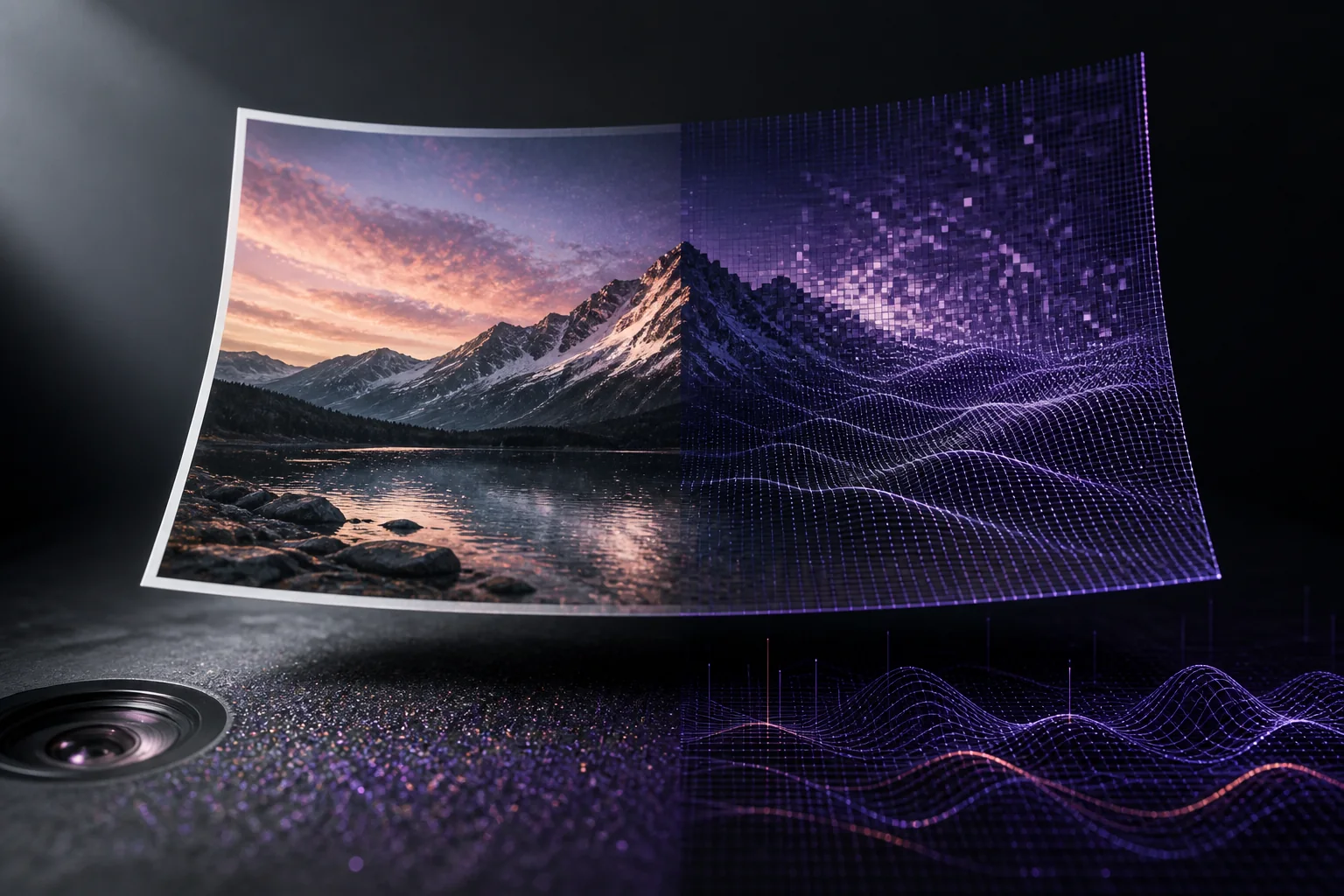
Generative models don’t create images the way cameras do. A camera records photons hitting a sensor, which leaves characteristic noise patterns, lens distortions, and compression signatures. Diffusion models synthesize images by iteratively denoising random data, which leaves different statistical fingerprints in frequency distributions, pixel correlations, and texture statistics that are invisible to humans but measurable by a trained classifier.
Detectors are commonly trained on labeled examples of real photos and images from known generators so they can learn these fingerprints. This statistical analysis is a different verification signal from visual inspection, which is why the two methods are more useful together than either is alone.
What the confidence score really means
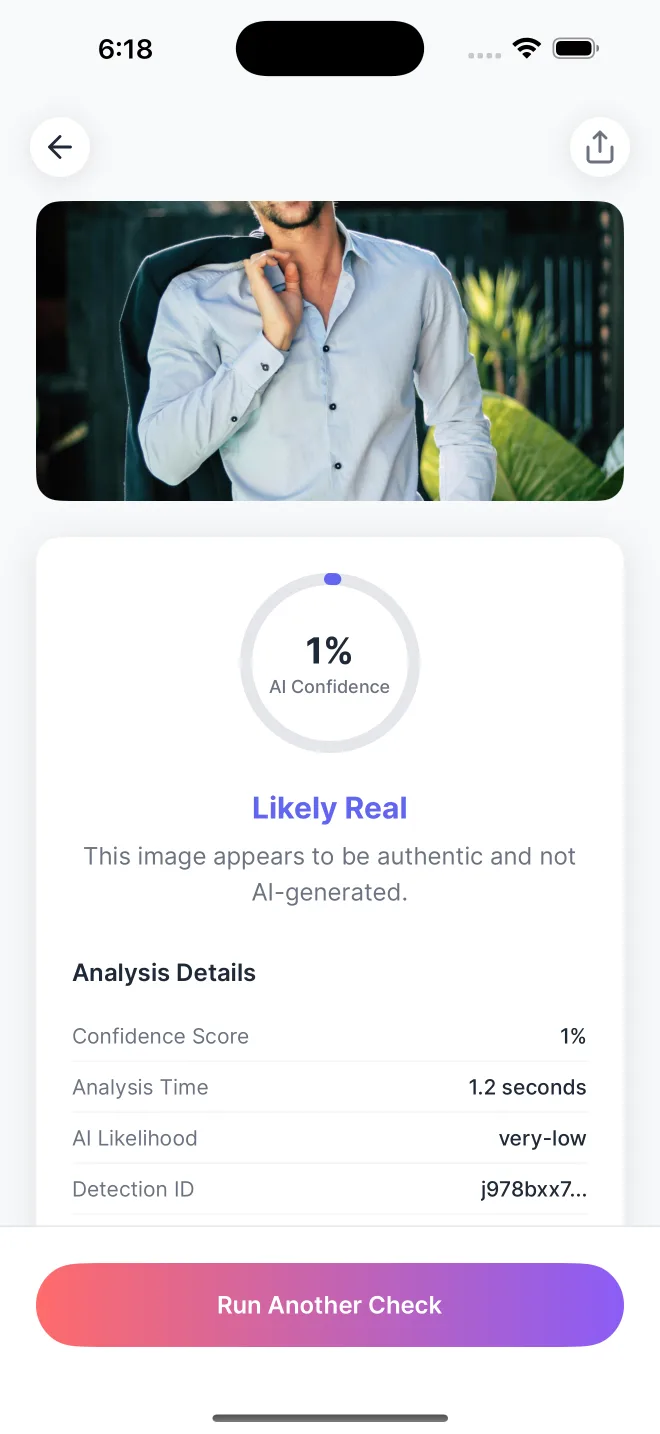
A score of 92% doesn’t mean the image is “92% AI.” It means the detector’s model assigns a 92% probability that the image was generated, based on the patterns it found. The app presents the percentage together with a color-coded result and analysis details.
Getting the best image for analysis
Start with a clear image and keep its original detail where possible:
- Original files. Choose the original photo from your library or files to preserve its resolution and detail.
- Current detection methods. AI image detection evolves alongside image generators. Use an up-to-date app for your checks.
- Full images. Upload the complete image so the analysis can examine its content and structure.
- Clear detail. Use the highest-quality copy available and avoid adding filters before checking it.
How to actually verify an image
A practical image verification workflow that takes under two minutes:
- Run the image through a detector for a fast, unbiased first read. Our free AI image checker works in any browser with no account.
- Do the visual checks: hands, text, lighting, background logic. Our guide to spotting AI-generated images walks through all seven.
- Check provenance: reverse image search for earlier appearances, and inspect Content Credentials at contentcredentials.org.
- Ask the context questions: Who posted this first? Does the source have a history? Does anyone else corroborate it?
When all four point the same direction, you have a stronger basis for a conclusion. When they conflict, the honest answer is “unverified,” which is itself useful information before you share, publish, or grade something.
If you just want a fast answer, start with Is This Image AI? How to Tell in 60 Seconds.
Where AI Detector fits
AI Detector – Image Checker makes that first check quick on mobile: import a photo and get a color-coded 0-100% confidence score in under 3 seconds. Images are never stored. Analysis is deleted immediately after processing. If you’re on iOS, here’s the step-by-step iPhone guide.
Common questions
Why do AI image detectors disagree?
Detectors use different training images, model designs, thresholds, and update schedules. A new generator, an edited image, or heavy compression can therefore produce different scores across tools.
How do I read an AI confidence score?
A higher score indicates more characteristics of AI generation. A lower score indicates more characteristics of camera photographs. AI Detector displays the score with a color-coded result.
Get a second opinion in 3 seconds
Download AI Detector free and check any image with a 0-100% confidence score.