How to Tell if an Image Is AI-Generated: 7 Checks That Still Help
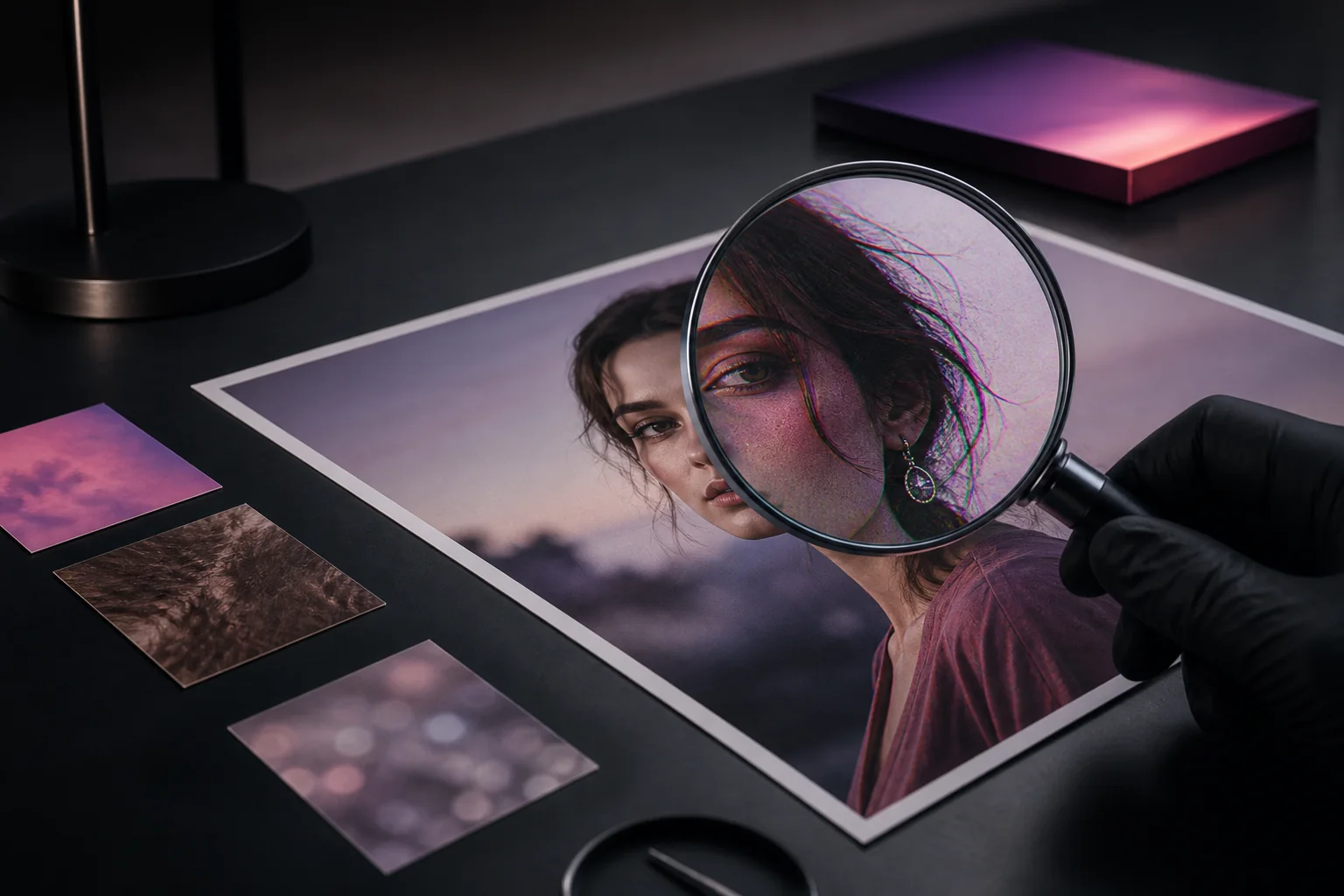
The fastest way to tell if an image is AI-generated: zoom in on hands, teeth, and any text in the image, check whether lighting and shadows are consistent, look for warped or “melted” details in the background, then confirm your suspicion with a reverse image search or an AI image detector. These checks help you spot details worth investigating.
The latest generators, including Nano Banana (Google Gemini), GPT Image (ChatGPT), Midjourney, and Flux, have fixed many of the obvious giveaways from a few years ago, so the old advice (“count the fingers”) is no longer enough on its own. The seven checks below are ordered by how quickly you can try them.
1. Zoom in on hands, teeth, and ears
Hands remain the most common failure point: extra or fused fingers, fingernails that blend into skin, or a thumb bending the wrong way. Teeth often appear as a single uniform strip rather than individual teeth, and earrings frequently don’t match between ears. Generators have improved here, but complex poses like hands holding objects or interlocked fingers still trip them up regularly.
2. Read any text in the image
Signs, labels, logos, and clothing print are a weak spot for diffusion models. Look for letters that are almost-but-not-quite right, gibberish that resembles a real alphabet, or brand names with subtly wrong spelling. Even the newest models that can render clean text often fail on text that’s small, curved, or in the background.
3. Check lighting and shadows for consistency
Real photos have one physics engine: the sun or the light source. AI images often light a face from the left while its shadow falls to the left too, or show reflections in windows and eyes that don’t match the scene. Eyes are especially useful: both pupils should reflect the same light sources in the same positions.
4. Look for warped or “melted” background details
Generators spend their effort on the subject, so the background is where artifacts hide: fences that change pattern mid-run, chairs with too many legs, crowds where faces smear together, or straight lines (door frames, railings, tiles) that bend for no reason. Architectural logic is hard to fake. Follow any long line across the image and see if it stays plausible.
5. Inspect texture: too smooth, too perfect
AI-generated portraits often have a waxy, airbrushed skin texture with no pores, flyaway hairs, or asymmetry. Fabric weave, wood grain, and foliage tend to repeat in unnatural tiles. If a photo looks like a professional studio shot but claims to be a casual phone snap, that mismatch itself is a signal.
6. Check metadata and Content Credentials
Some generators and cameras now attach provenance data. Content Credentials (the C2PA standard backed by Adobe, Microsoft, OpenAI, and Google) can record how an image was created and edited. You can inspect any image for free at contentcredentials.org/verify. Images made with ChatGPT include C2PA manifests, and Google’s Nano Banana images carry an invisible SynthID watermark. The catch: screenshots and social media re-uploads strip metadata, so a missing manifest proves nothing. Only a present one is informative.
7. Run a reverse image search
Google Lens and TinEye can show you where else an image has appeared. If a “breaking news photo” only exists on social media accounts created last week, or a “real person” appears nowhere else on the internet, be skeptical. Reverse search also catches the other kind of fake: real photos presented with a false story.
When your eyes aren’t enough: use a detector
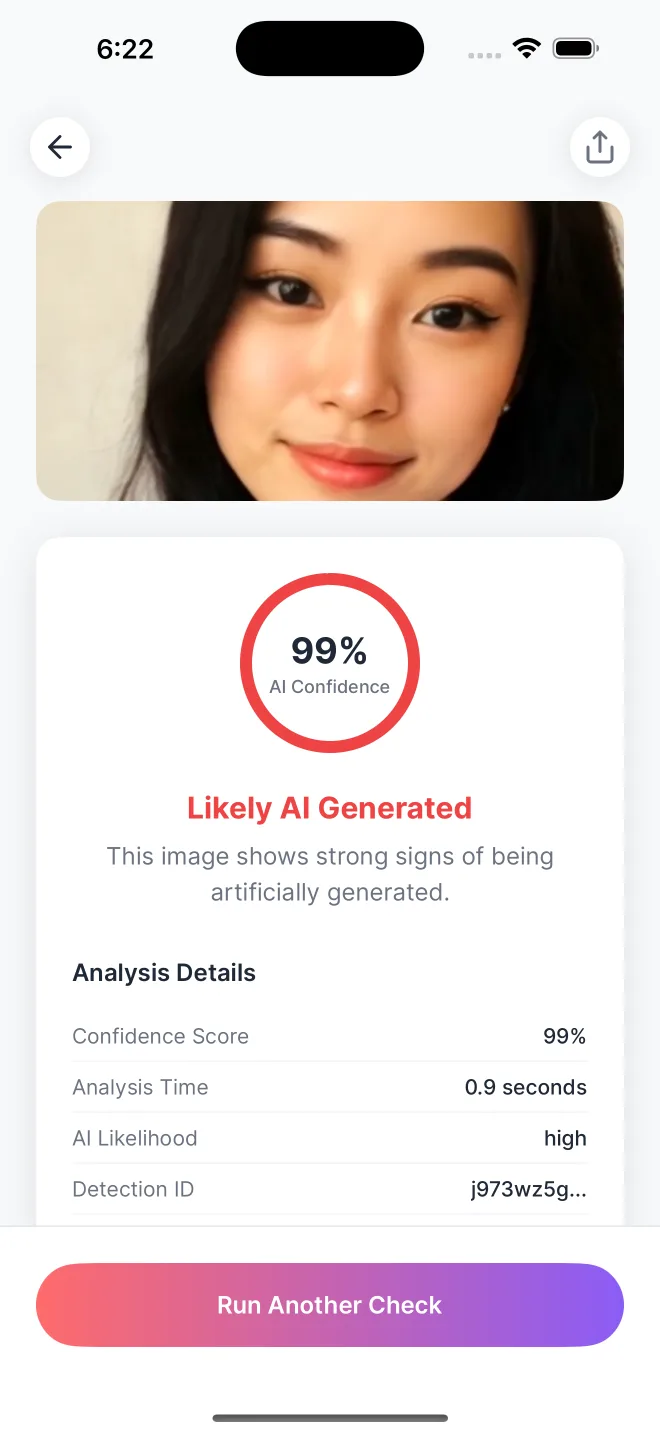
Manual checks catch obvious fakes, but the best generators now produce images that pass casual inspection. AI image detectors analyze statistical patterns left behind by the generation process, signals invisible to the human eye. You can try one right now with our free AI image checker in your browser, no account needed. For regular checks, our mobile app, AI Detector – Image Checker, returns a color-coded 0-100% confidence score in under 3 seconds, using models designed to detect statistical signals associated with generated images.
Read about how AI image detection works in Do AI Image Detectors Actually Work?. The strongest verdict comes from combining signals: visual checks, provenance data, reverse search, and a detector score together. If you’re on an iPhone, see our step-by-step guide to checking photos for AI on iPhone. For the short version, start with the AI-or-Not image quiz to practice spotting visual clues, then try Is This Image AI? How to Tell in 60 Seconds. Checking a clip instead? See how to tell if a video is AI-generated.
Compare your photo with the recorded real-photo and AI-image checks, or upload a photo of your own for a free AI score.
Common questions
Can metadata prove that an image was made by AI?
A valid Content Credentials record can provide strong evidence about how an image was made or edited. Missing metadata proves very little because screenshots, social platforms, and ordinary exports can remove it.
What is the most reliable way to verify a suspicious image?
Upload the photo to an AI image detector to get a confidence score. You can also explore the original source, image details, and Content Credentials.
Check any image in under 3 seconds
Download AI Detector and get an instant authenticity score.