Can AI Image Detectors Check Screenshots?
By the AI Detector team · Published October 13, 2026 · 6 min read
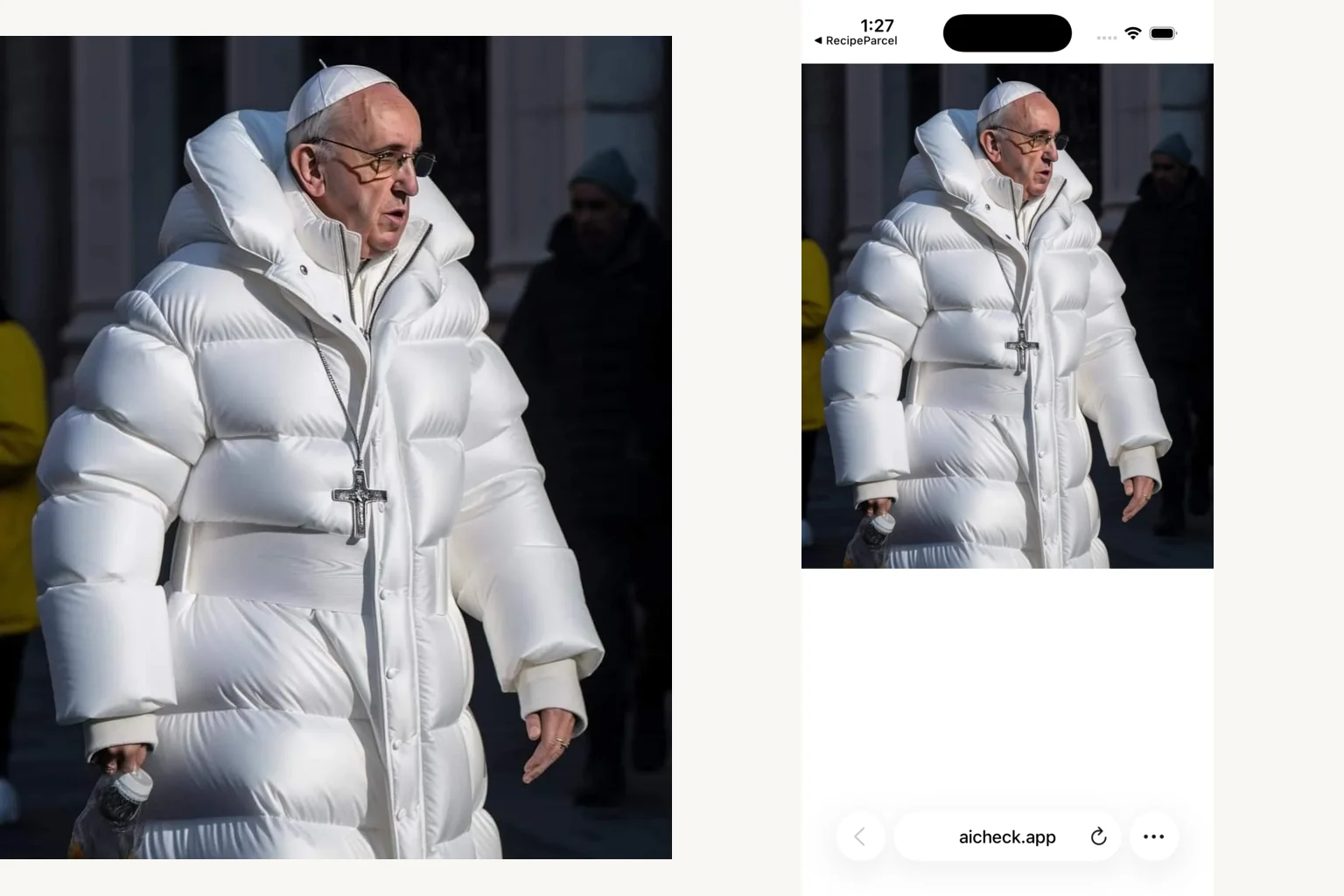
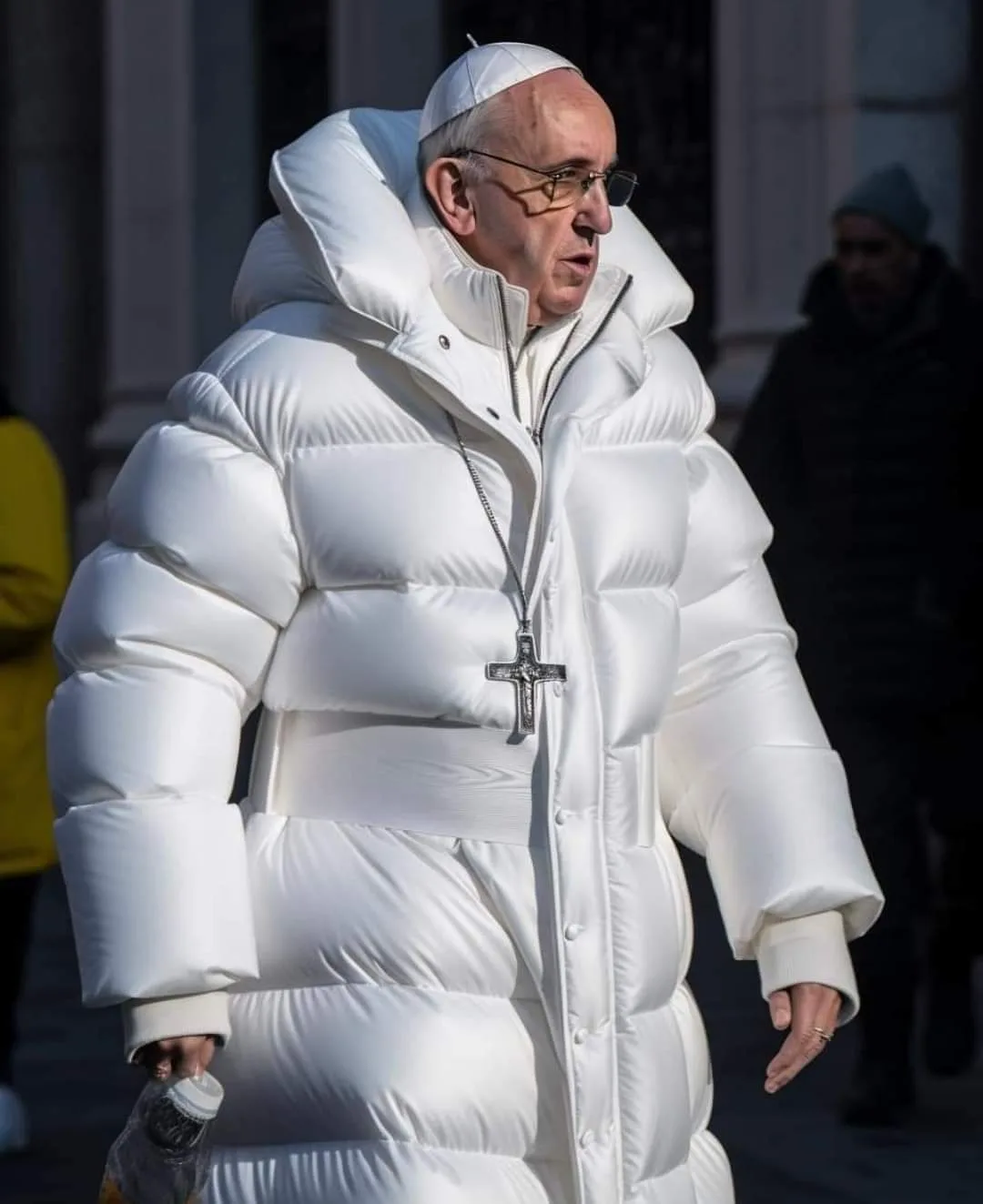
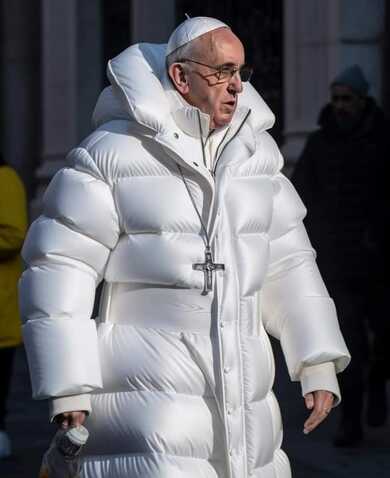
Yes, but the file you upload matters. We checked three images with documented origins as baseline WebP files, smaller JPEGs, and full iPhone Safari screenshots. The Midjourney Pope image scored 99% with Sightengine as the baseline, 28% as the JPEG, and 44% as the screenshot.
Below are all nine files and the results from two detectors. This is a close look at three specific images, with the changes recorded so you can inspect them yourself.
What we changed
- Baseline: the existing WebP used in our image quiz. These are web copies, not original camera files or the generator’s original export.
- Compressed JPEG: resized to 390 pixels wide, metadata stripped, and saved at ImageMagick JPEG quality 50.
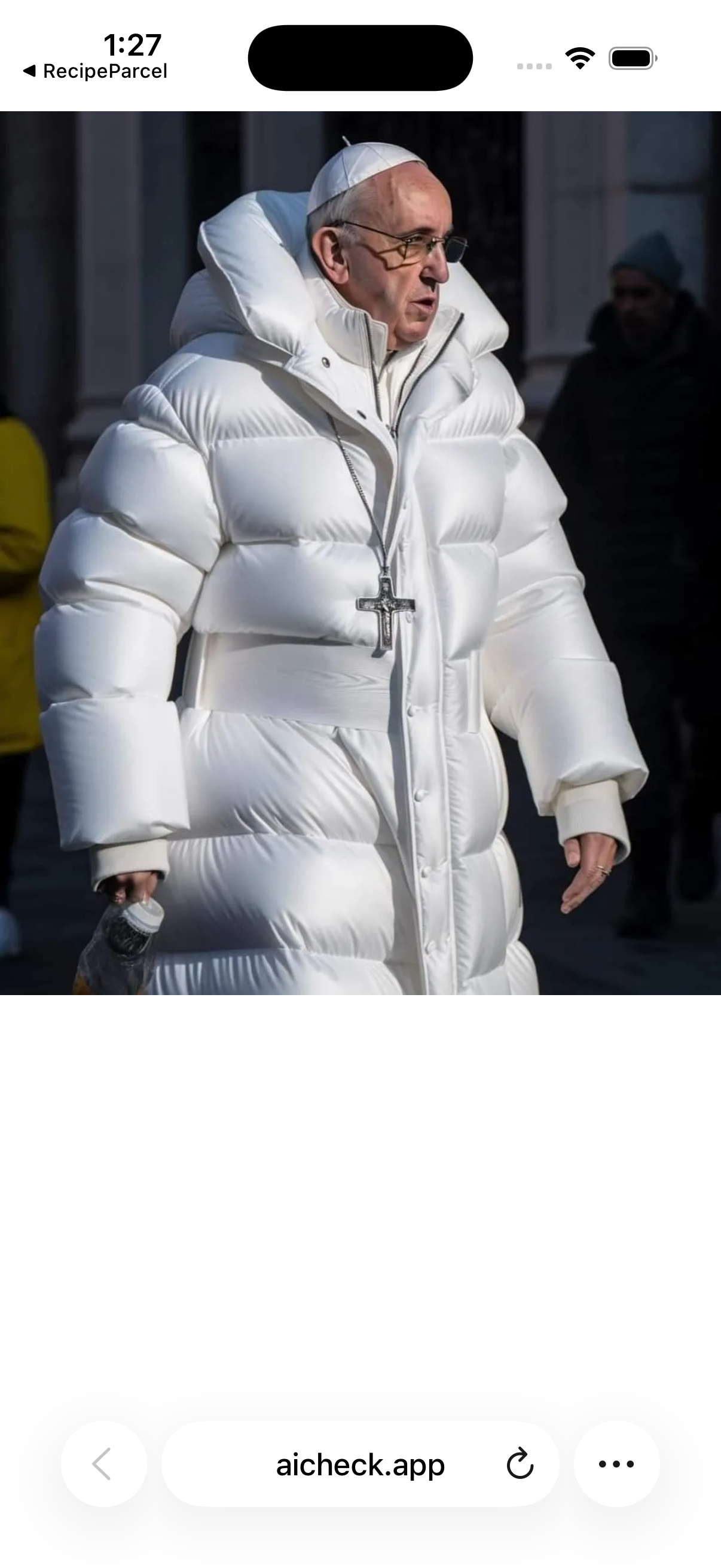
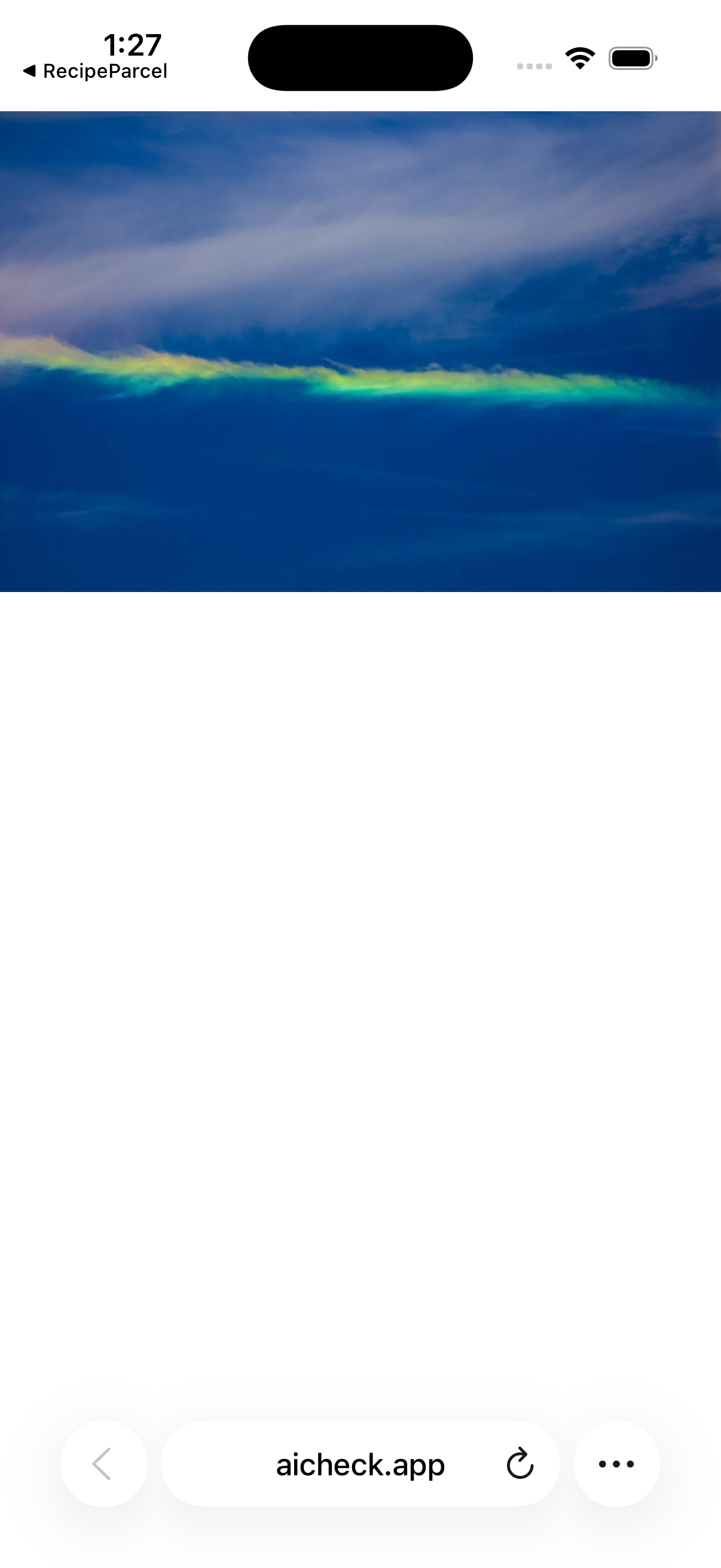
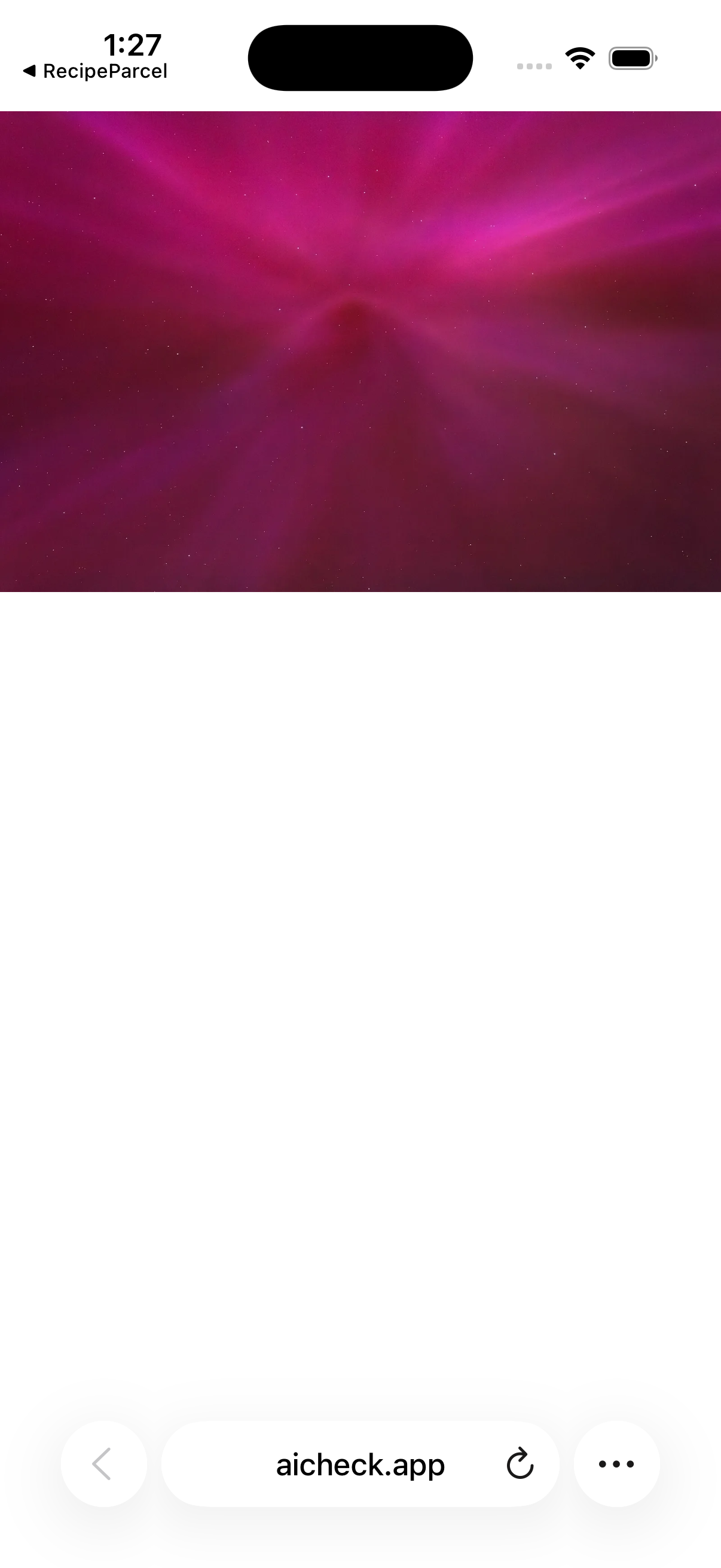
- Screenshot: the baseline file opened directly in Safari on an iPhone 17 Pro simulator running iOS 26.5. We captured the whole screen as a 1206 × 2622 PNG, including Safari controls and white space.
A full screenshot changes the framing and the number of pixels occupied by the picture. The JPEG changes dimensions and compression together. This experiment measures those complete workflows; it does not isolate compression alone or reproduce a particular social platform’s processing.
The scores, file by file
We ran both detectors on October 13, 2026. Each linked score opens the exact file tested. Percentages below retain one decimal place; the web checker rounds to whole numbers.
| Image | Baseline | JPEG | Screenshot |
|---|---|---|---|
| Puffer-jacket Pope | 99.0% | 28.0% | 44.0% |
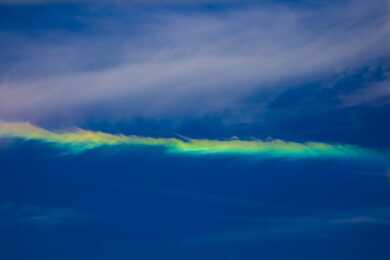
| Fire rainbow | 0.1% | 0.1% | 0.1% |
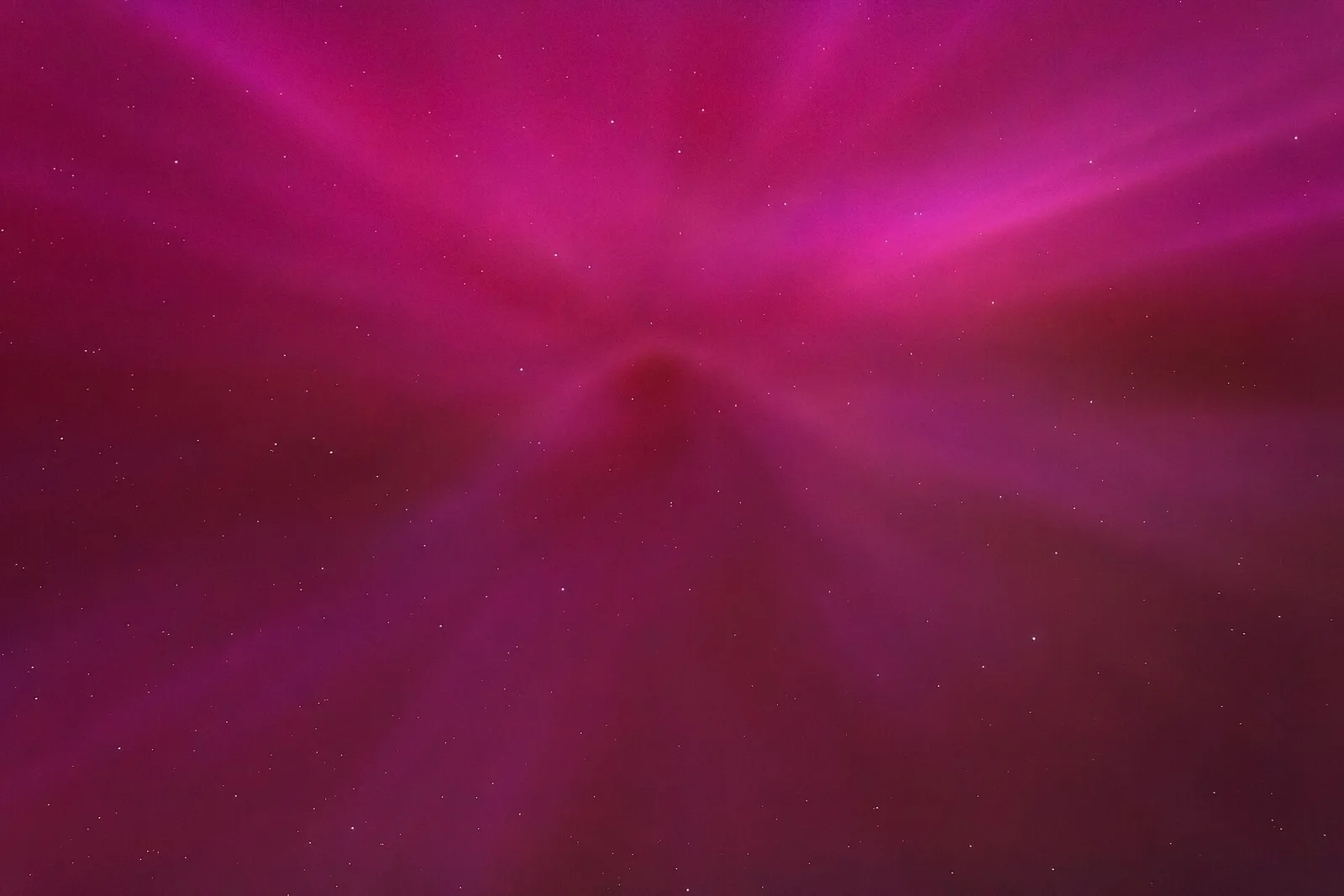
| Magenta aurora | 8.0% | 0.1% | 0.1% |
| Image | Baseline | JPEG | Screenshot |
|---|---|---|---|
| Puffer-jacket Pope | 100.0% | 0.2% | 100.0% |
| Fire rainbow | 100.0% | 100.0% | 86.1% |
| Magenta aurora | 99.9% | 100.0% | 31.8% |
The Midjourney image changed most
Sightengine’s 99% baseline score fell to 28% for the small JPEG and 44% for the full screenshot. In the web checker, those values fall into different result bands: likely AI-generated, likely authentic, and inconclusive. The image’s documented Midjourney origin stayed the same.
The locally run Ateeqq detector gave the baseline and screenshot about 100%, but only 0.2% for the JPEG. Both detectors changed their assessment of the compressed version. That makes asking for the source file a practical next step when a screenshot or download looks suspicious.

The camera photographs show another kind of disagreement
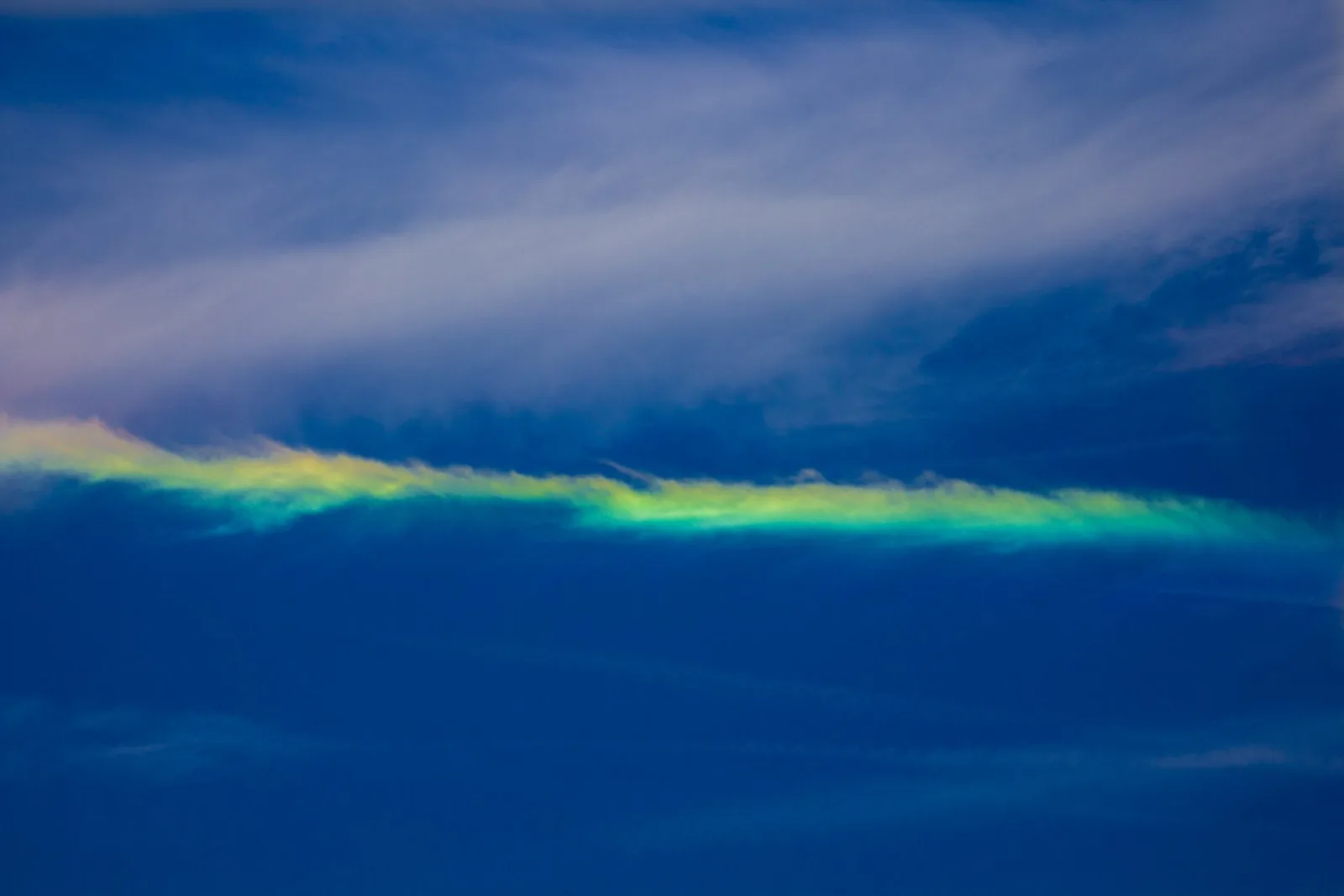
Sightengine gave the fire-rainbow photograph 0.1% in all three forms. Its magenta-aurora score went from 8% to 0.1%. The local detector gave both baseline photographs scores above 99%, even though their source records identify photographers and capture dates. Its aurora screenshot score was much lower, at 31.8%.
A high score can be wrong as well as a low one. For these photographs, the source records are more useful evidence of origin than the visual drama or a single score. Our detector comparison explains how we chose and ran the two tools.
What to do with a screenshot result
- Ask for the original upload or export. Download that file instead of taking another screenshot.
- If the screenshot is all you have, keep it and record which version you checked. Cropping or resaving produces another test input.
- Trace the earliest source with reverse image search, and inspect any Content Credentials in the source file.
- Compare the score with the source and visible details. Our 60-second image check gives you a short order of operations.
Files, method, and credits
Sightengine genai is the engine behind our web checker. The second model was Ateeqq/ai-vs-human-image-detector, run locally with its published preprocessing and softmax over the AI/human outputs. We chose these three existing quiz images to examine a known AI image and two unusual camera photographs. The set is deliberately small and does not measure overall accuracy or coverage of current generators.
Files and results: Sightengine results · local detector results · method, versions, and file hashes.
Puffer-jacket Pope: Midjourney image by Pablo Xavier. Listed as public domain on Wikimedia Commons.
Fire rainbow: Photo by LanceNickel. CC BY-SA 4.0; resized, recompressed, and captured in Safari. The image adaptations retain that license.
.jpg)
Magenta aurora: Photo by W.carter, Tuntorp, Sweden. CC BY-SA 4.0; resized, recompressed, and captured in Safari. The image adaptations retain that license.

Common questions
Can I upload a screenshot to an AI image detector?
Yes. The AI Check web checker accepts PNG and JPEG screenshots. Our test found that a full Safari screenshot could receive a different score from the source image. Use the original file when you have it.
Does a screenshot preserve the original image metadata?
A screenshot creates a new image of the screen. It does not copy the source file’s embedded provenance record. Inspect the source file separately when checking Content Credentials.
Does compression always lower the AI score?
No. The direction and size of the change depended on the image and detector in our three-image test. The Midjourney image changed substantially, while the fire-rainbow photograph stayed at 0.1% with Sightengine.