AI Image Detector Comparison: How to Choose

Choosing an AI image detector starts with your workflow. Compare tools such as Hive, Illuminarty, and ZeroGPT on their results, supported inputs, speed, privacy, and ease of use.
We ran two detectors on the same three known-origin image files on October 13, 2026. Below are the scores, source files, and setup, followed by the practical differences to consider when choosing a tool.
Two detectors, the same three files
We compared Sightengine genai, the engine behind our web checker, with the open-weight Ateeqq AI vs human image detector. Sightengine ran through its API; Ateeqq ran locally using its published image processor and AI/human softmax scores. We used the same unmodified WebP bytes for each baseline check.
| Image / known origin | Sightengine genai | Ateeqq detector |
|---|---|---|
| Puffer-jacket PopeMidjourney image | 99.0% | 100.0% |
| Fire rainbowCamera photograph | 0.1% | 100.0% |
| Magenta auroraCamera photograph | 8.0% | 99.9% |
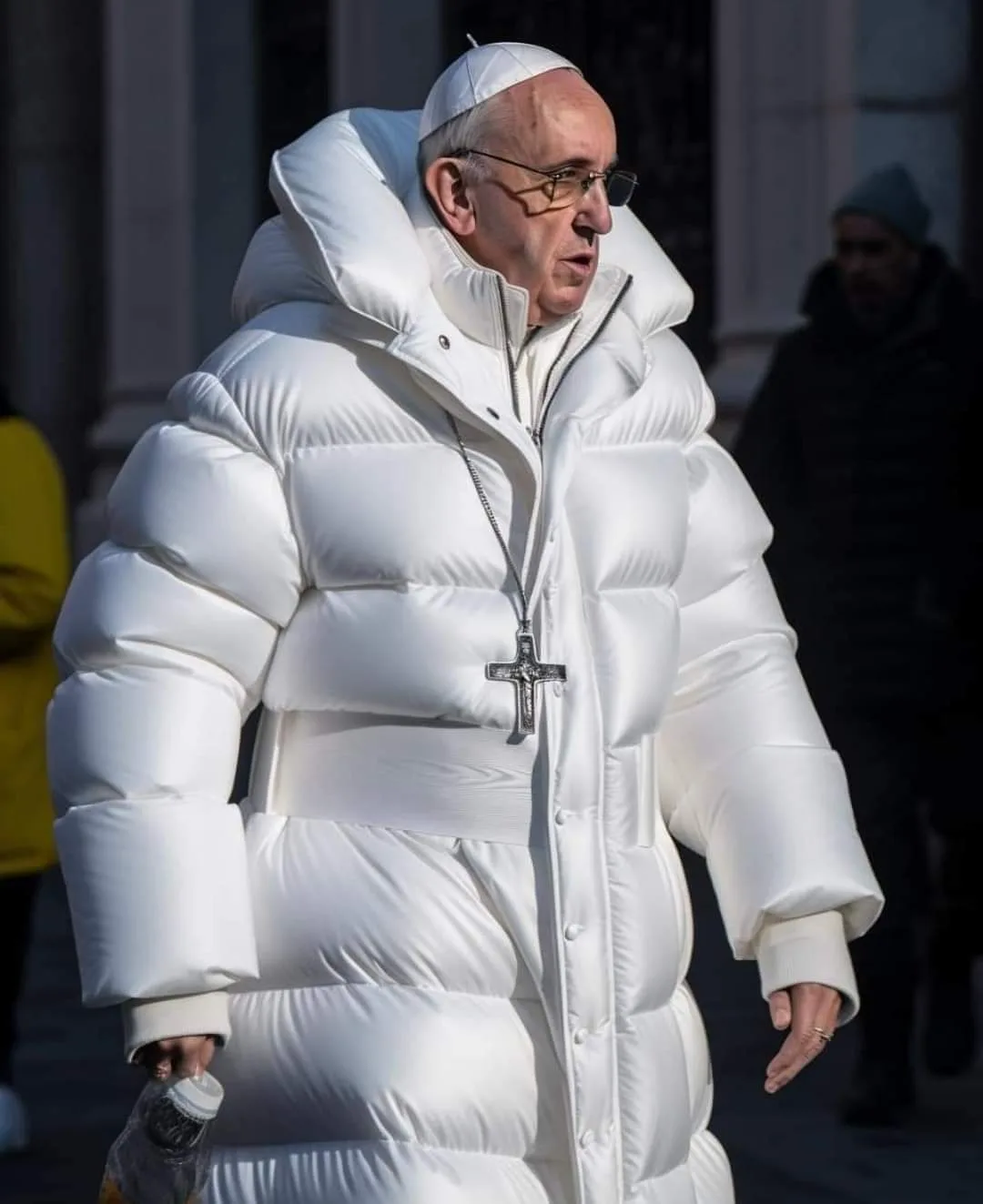
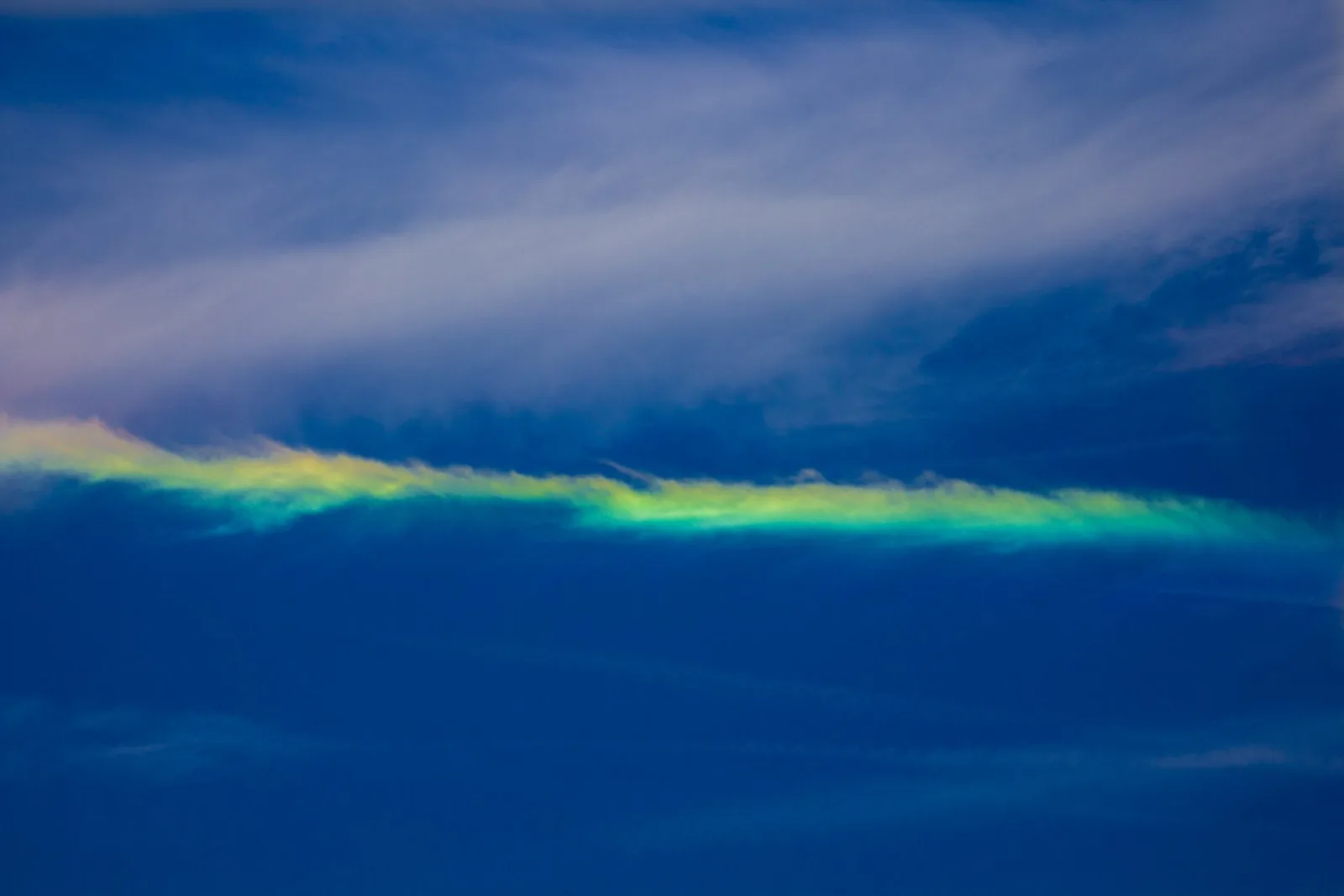
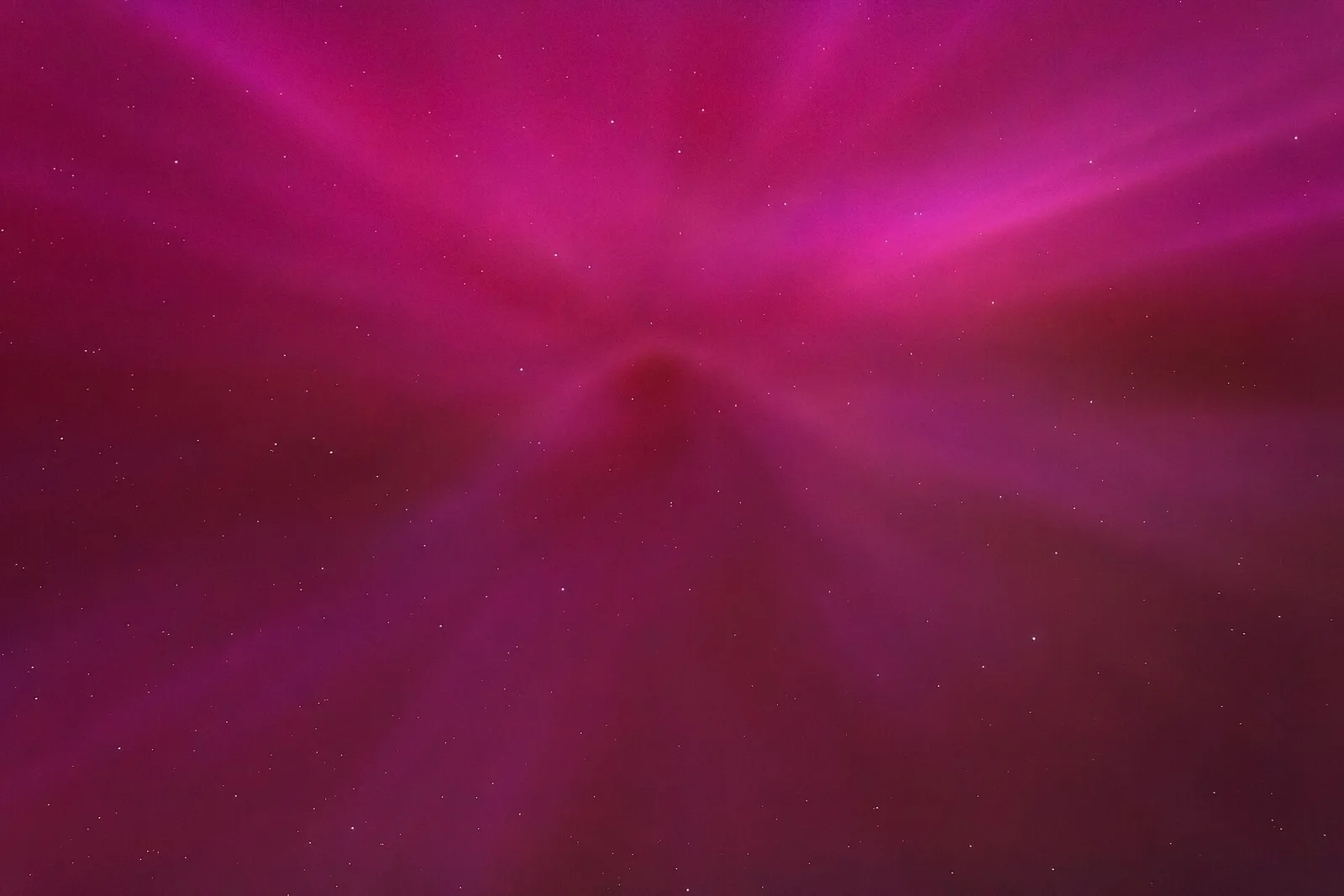
Both gave the Midjourney image a high AI score. They disagreed on both camera photographs: Sightengine returned low scores, while the local model returned scores above 99%. The local model’s author also notes user reports of overfitting. These three selected examples show disagreement, not an overall accuracy ranking or a comparison of every tool listed below.
The file matters too. For a 390-pixel JPEG of the Midjourney image, Sightengine returned 28% and the local detector 0.2%. Read the full screenshot and compression experiment for all nine files, preprocessing details, and results. The baseline files are web copies; neither detector was trained or tuned by us for this test.
Files and results: Sightengine results · local detector results · method, versions, and file hashes.
Puffer-jacket Pope: Midjourney image by Pablo Xavier. Listed as public domain on Wikimedia Commons.

Fire rainbow: Photo by LanceNickel. CC BY-SA 4.0; resized, recompressed, and captured in Safari. The image adaptations retain that license.
.jpg)
Magenta aurora: Photo by W.carter, Tuntorp, Sweden. CC BY-SA 4.0; resized, recompressed, and captured in Safari. The image adaptations retain that license.

What to compare in an AI image detector
- Results. Try a set of known real photos and AI-generated images, and compare the confidence scores.
- Score clarity. Look for a readable confidence score, a clear result, and useful analysis details.
- Provenance. Does it check Content Credentials (the C2PA standard) as well as statistical patterns? Compare the types of image information each tool provides.
- Privacy. Are uploads stored, logged, or used for training? If you handle other people’s images, this decides the tool for you.
- Original files. Does it ask for the original, or accept a screenshot that removes the evidence it needs?
How the popular tools differ
Hive is best known for detection sold as an API to platforms and developers, so it fits teams that want to integrate checks into a product. Illuminarty focuses on a browser-based AI image detector for individuals. ZeroGPT is a free checker suite best known for text detection, with an image tool alongside it. Each is built for a different user, which matters more than a single score.
Read every accuracy claim with the same skepticism. A headline number usually comes from a specific test set, and results move with the generator, the image quality, and whether the file was re-saved. The only number that matters is how a tool performs on your images.
Run a fair comparison yourself
You can settle most of this in ten minutes. Build a test set of ten to twenty images: some you know are AI-generated, some you know are real, and a few edited photos. Run the same original files through both tools and record the results for AI-generated images and real photos separately. If a tool cannot accept an original file, note the penalty, because real workflows rarely start from a perfect upload.
Two tools that disagree are common. When they do, fall back on the other signals: trace the earliest source, check for Content Credentials, and run a reverse image search. The guide to how AI image detectors work explains why disagreement is expected rather than a sign one tool is broken. Buying a print? See checking art when detectors disagree.
Where AI Detector fits
We built AI Detector for people who check images often and want a clear answer fast. The app returns a color-coded 0-100% score in under three seconds, keeps a private history on your device, and never stores your images. On the web, the free AI image checker does the same with no account.
AI Detector returns a clear confidence score. Read how the analysis works in Do AI Image Detectors Actually Work? The Android and iOS apps are both free to download.
Common questions
What should I look for in an AI image detector?
Look for clear confidence scores, straightforward photo import, fast results, and a privacy policy that explains how your images are handled.
Is a free AI image detector as good as a paid one?
Sometimes. Free tools often use the same underlying models but limit volume, resolution, or features. Price is a weak signal on its own. Test the free tier on images you already know the answer for.
How do I compare two detectors fairly?
Use the same original files for both, include a mix of known AI and known real images, and record each result. Use original files to keep the comparison consistent.
What does a detector score tell me?
A detector score shows how closely an image matches patterns associated with AI generation. Higher scores indicate more AI characteristics; lower scores indicate more camera-photo characteristics.
Test it on your own images
Download AI Detector and compare the result with the tools you already use.